Newsletter Spam Folder: Why Your Emails Disappear and How to Fix It
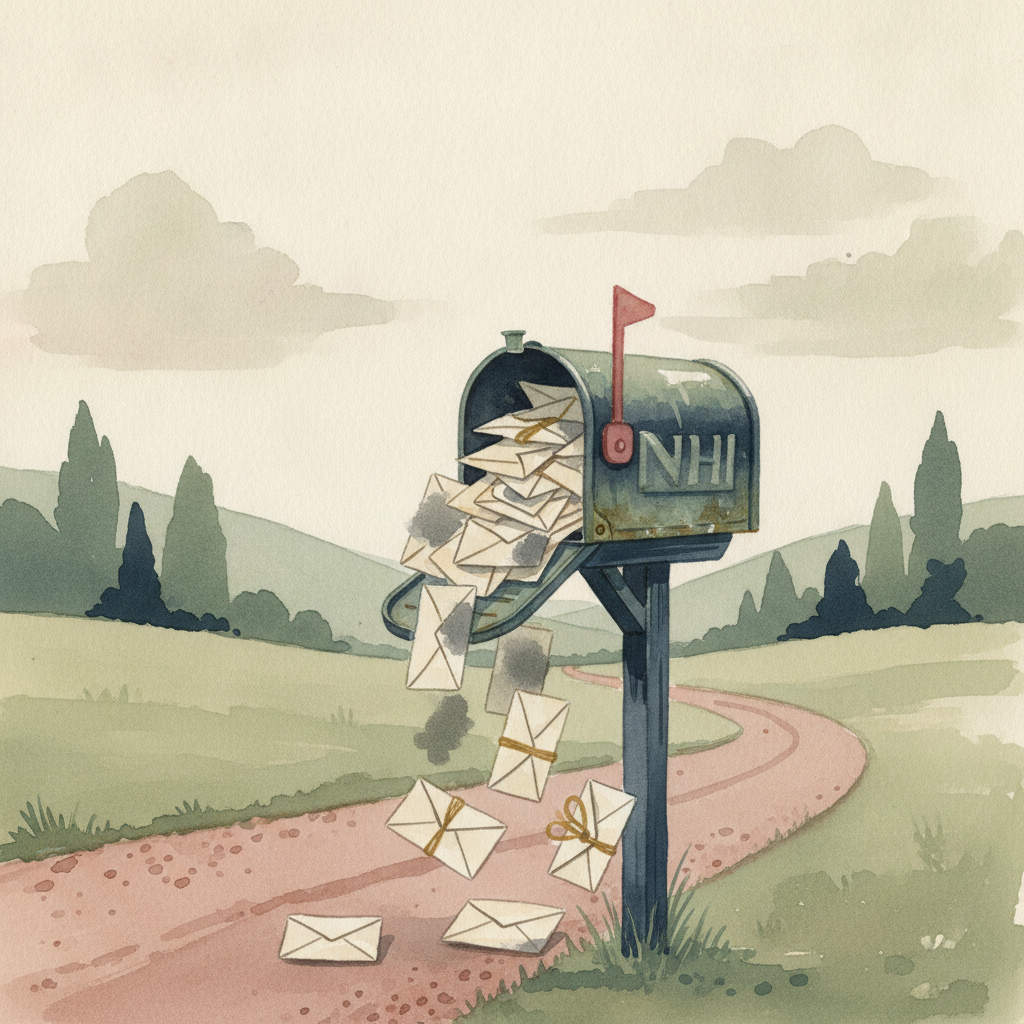
Your newsletter doesn't have a content problem. It has a visibility problem.
You write, you hit send, and then nothing. Open rates tank. Replies disappear. You check your stats and realize 67% of your subscribers never saw your email. It's sitting in spam folders, promotions tabs, or vanished entirely.
Gmail, Outlook, and Yahoo aren't blocking you because they're mean. They're protecting inboxes from the 347 billion spam emails sent daily. The problem: their algorithms can't tell the difference between your founder-led newsletter and a phishing scam unless you send the right signals.
Most founders blame their email platform or their content. The real issue is deeper. Authentication failures, engagement collapse, and content triggers are silently killing your deliverability. Fix these three layers and your emails start landing where they belong.
Authentication Failures Are Killing Your Sender Reputation
ISPs don't trust emails from unverified senders. Period.
If you're missing SPF, DKIM, or DMARC records, Gmail assumes you're spoofing your domain. Your newsletter gets flagged before a human ever reads the subject line. According to Valimail's 2023 Email Fraud and Identity Report, only 28% of domains have proper DMARC enforcement, which means most senders are flying blind.
SPF tells ISPs which servers can send mail from your domain. Without it, anyone can impersonate you. DKIM adds a digital signature proving the email wasn't tampered with in transit. DMARC ties them together and tells ISPs what to do when authentication fails.
Set up all three:
- SPF record: whitelist your email platform's sending servers in your DNS
- DKIM signature: enable in your platform settings and add the public key to DNS
- DMARC policy: start with p=none to monitor, then move to p=quarantine or p=reject
Warm up your sending domain if it's new. ISPs watch new domains closely. Start with 50 emails, double every 3 days, and keep engagement high. A cold domain sending 10,000 emails on day one screams spam operation.
Use a dedicated sending domain separate from your main business domain. If deliverability tanks, your core operations stay protected. For more on building trust from scratch, see our guide on how to start a newsletter from scratch in 2026.
Engagement Signals Override Everything Else
Authentication gets you in the door. Engagement keeps you there.
ISPs track how subscribers interact with your emails. Opens, clicks, replies, forwards, and marking as "not spam" boost your sender score. Deletes without opening, spam complaints, and ignoring your emails for weeks destroy it. Gmail's algorithm learns individual preferences, so even perfect authentication won't save you if nobody engages.
Your first 100 sends to a new subscriber matter most. If they ignore your welcome sequence, you're labeled as low-priority. If they open, click, and reply, you're inbox gold. Prioritize quality over quantity in those early emails.
Stop sending to dead weight:
- Segment inactive subscribers (no opens in 60 days)
- Send a re-engagement campaign offering value, not begging
- Remove non-responders after 90 days total
- Track engagement rates by cohort to spot problems early
Reply rate is the strongest signal you can send. When subscribers hit reply, ISPs see a two-way conversation, not broadcast spam. End emails with a question. Ask for feedback. Make it easy to respond. A 2% reply rate can lift your entire sender reputation.
Avoid spam traps by cleaning your list regularly. These are email addresses ISPs plant to catch bad actors. They never sign up for anything legitimate. If you're buying lists, scraping contacts, or adding people without permission, you'll hit a trap eventually. For detailed list hygiene tactics, read our email list hygiene playbook.
Content Triggers Are More Subtle Than You Think
ISPs scan email content for spam patterns. Some are obvious (ALL CAPS, excessive exclamation marks!!!), but others catch founders off guard.
Image-to-text ratio matters more than most realize. An email that's 90% images with minimal text looks like a phishing attempt hiding malicious links in graphics. Aim for 60% text, 40% images maximum. Use alt text on every image so text-only views still make sense.
Certain words and phrases trigger filters:
- Financial urgency: "act now," "limited time," "urgent," "expires today"
- Free offers: "free money," "risk-free," "no cost," "100% free"
- Aggressive sales: "buy now," "click here," "order today," "what are you waiting for"
- Medical/pharma: specific drug names, weight loss claims, health guarantees
You don't have to avoid these entirely, but don't stack five triggers in one subject line. Vary your language. Be specific instead of hyperbolic.
Link hygiene prevents blacklisting. Avoid:
- Shortened URLs (bit.ly, tinyurl) that hide destinations
- Links to blacklisted domains (check your links against Spamhaus)
- Too many links (more than 5 raises flags)
- Broken links (dead pages signal low quality)
According to Litmus's 2024 State of Email Report, 43% of emails are now read on mobile first. If your email breaks on mobile, subscribers delete it immediately. That sends a negative engagement signal even if the content was good.
Plain text versions matter. Some subscribers view text-only. If your platform doesn't generate one automatically, ISPs see a red flag. Most modern platforms handle this, but double-check your settings.
The Promotions Tab Is Not the Spam Folder
Gmail's Promotions tab confuses founders. It's not spam, it's a category.
Emails in Promotions still get delivered. Subscribers can check that tab. But open rates drop 40% compared to Primary inbox. You're not blocked, you're just deprioritized.
You can't force your way into Primary, but you can increase the odds. Gmail's algorithm looks for personal signals: plain text formatting, no marketing images, direct replies, subscribers manually moving you to Primary.
Send a welcome email asking subscribers to drag your first email to Primary and reply. This trains Gmail to treat future emails differently. Some will do it. Most won't. Focus on the ones who do because those are your highest-intent readers anyway.
Avoid newsletter platforms that slap unsubscribe footers with "This email was sent to..." and long legal disclaimers. Those scream bulk mail. Use platforms that let you customize footers to match your brand voice.
Test before you send:
- Mail Tester (mail-tester.com): scores your email's spam probability
- GlockApps or Litmus: test deliverability across 20+ ISPs
- Seed lists: send to Gmail, Outlook, Yahoo accounts you control and check folder placement
Check your sender reputation quarterly at Google Postmaster Tools and Microsoft SNDS. A sudden drop means you're hitting spam traps or generating complaints.
Monitor Metrics That Predict Deliverability Problems
Open rate alone won't tell you if you're headed for the spam folder.
Track these instead:
- Bounce rate: above 2% suggests list hygiene issues or authentication problems
- Spam complaint rate: above 0.1% is a red flag; above 0.5% is critical
- Unsubscribe rate: sudden spikes mean content mismatch or delivery to wrong segment
- Engagement decline: if opens drop 30% in 30 days with no content changes, check spam folder placement
Set up alerts in your platform for complaint rate spikes. One mass complaint can tank deliverability for weeks.
Use Gmail's feedback loop and Outlook's JMRP to receive notifications when subscribers mark you as spam. Fix the problem before ISPs start blocking you automatically.
According to Return Path's 2023 Deliverability Benchmark Report, the average inbox placement rate is 85%. That means 15% of legitimate emails don't reach the inbox. Top performers hit 95%+ by monitoring signals, authenticating properly, and pruning inactive subscribers.
Review your infrastructure quarterly:
- Re-verify SPF, DKIM, DMARC alignment
- Audit content for new trigger words
- Clean disengaged subscribers
- Test seed list placement across ISPs
- Check IP and domain reputation scores
If you migrate platforms, expect a temporary deliverability dip. Warm up your new sending IP slowly. Transfer authentication records immediately. Don't assume your reputation transfers automatically.
Frequently Asked Questions
Why did my newsletter suddenly start going to spam?
A sudden deliverability drop usually means one of three things: your authentication broke (check DNS records), you hit a spam trap from adding old contacts, or engagement collapsed after a content shift. Check Google Postmaster Tools for reputation changes and audit your last 5 sends for content triggers.
How do I get my newsletter out of the spam folder once it's there?
You can't force it instantly, but you can signal ISPs to trust you again. Re-verify authentication, clean disengaged subscribers, increase engagement by asking high-intent readers to reply, and avoid content triggers for 4 to 6 weeks. Reputation rebuilds slowly, so focus on quality over volume during recovery.
Does using a free email platform hurt deliverability?
Free tiers from reputable platforms (Mailchimp, Beehiiv) don't inherently hurt deliverability, but shared IP addresses mean your reputation is tied to other senders. If another user on your IP gets flagged, you suffer too. Paid plans often include dedicated IPs and better authentication support, which improves inbox placement for high-volume senders.
Should I ask subscribers to whitelist my email address?
Asking subscribers to add you to contacts or whitelist helps, but most won't do it unless you provide clear value first. Include instructions in your welcome email, but don't rely on it as your primary strategy. Focus on authentication and engagement signals that work regardless of subscriber action.
Can I buy my way out of the spam folder with a better email platform?
Platform switching won't fix fundamental problems like poor authentication, disengaged lists, or spammy content. Premium platforms offer better tools (dedicated IPs, advanced analytics, deliverability monitoring), but you still have to send emails people want to read. Fix your foundation first, then upgrade tools if needed.
You Own Your Inbox Placement
Deliverability isn't magic. It's a system.
Authenticate properly so ISPs trust your domain. Engage relentlessly so subscribers signal value. Avoid content triggers that flag automated filters. Monitor metrics that predict problems before they tank your reputation.
Most founders discover deliverability issues after months of silent failure. They write great content that nobody reads because it's buried in spam folders. Fix the infrastructure now and every email you send compounds instead of vanishing.
If you want a newsletter that reaches inboxes, drives replies, and builds pipeline without fighting deliverability battles yourself, Inbox Alchemy builds and grows your newsletter for you. Book a free strategy call at inboxalchemy.co/application.
Written by

Investor • Founder • Creator
Ryan Estes is co-founder of Kitcaster, an eight-figure bootstrapped podcast booking agency acquired by Moburst in 2025. He created AI for Founders, a podcast, newsletter, and workshop platform reaching 47,000+ entrepreneurs and CEOs. Based in Denver, Colorado.